
Sector Trends
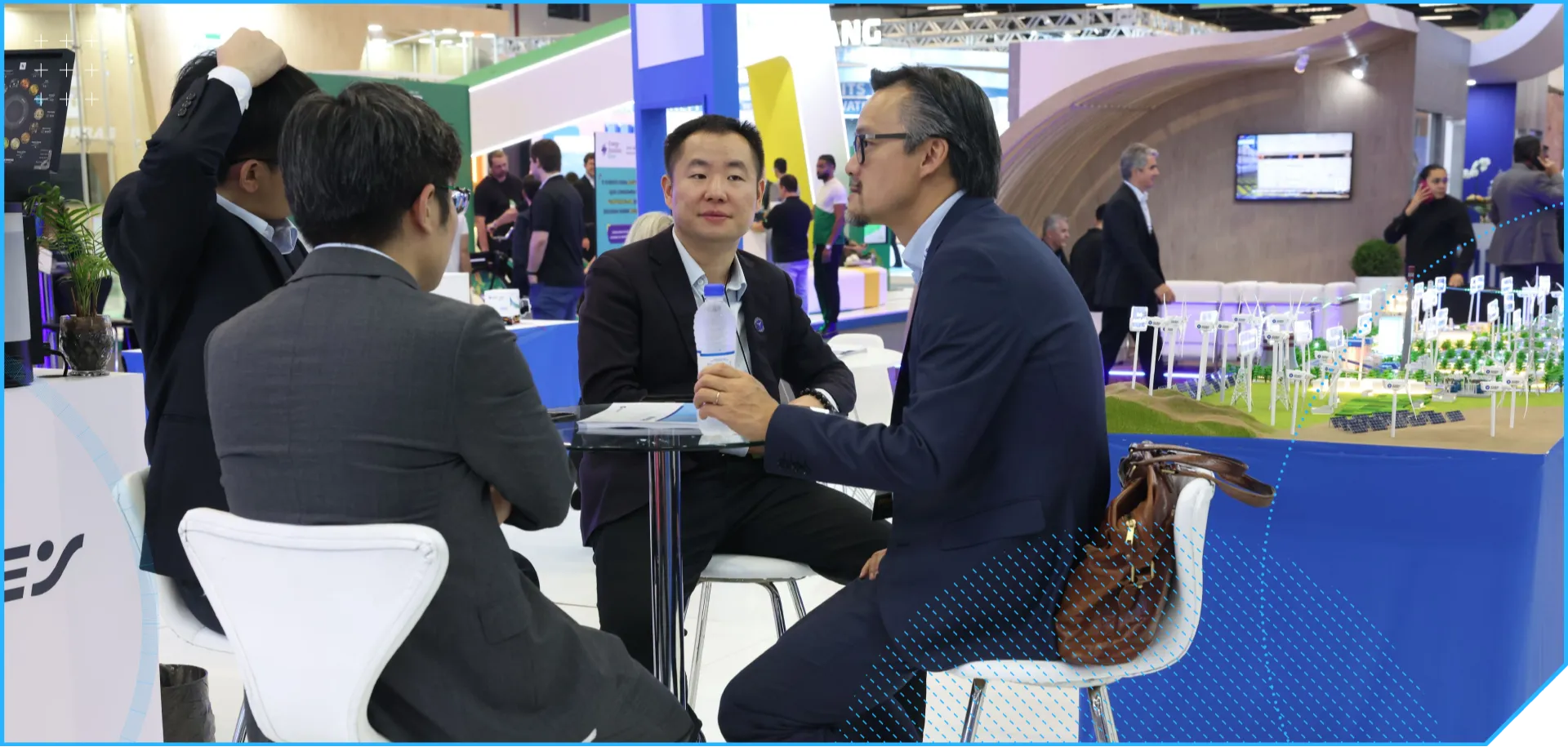
Explore content about onshore wind, offshore wind, O&M, energy storage, and regulation! Turn challenges into opportunities while building networking connections with the key decision-makers of Brazil's energy transition.
Sector Trends
Explore content about onshore wind, offshore wind, O&M, energy storage, and regulation! Turn challenges into opportunities while building networking connections with the key decision-makers of Brazil's energy transition.
FOR THOSE WHO TRANSFORM ENERGY!
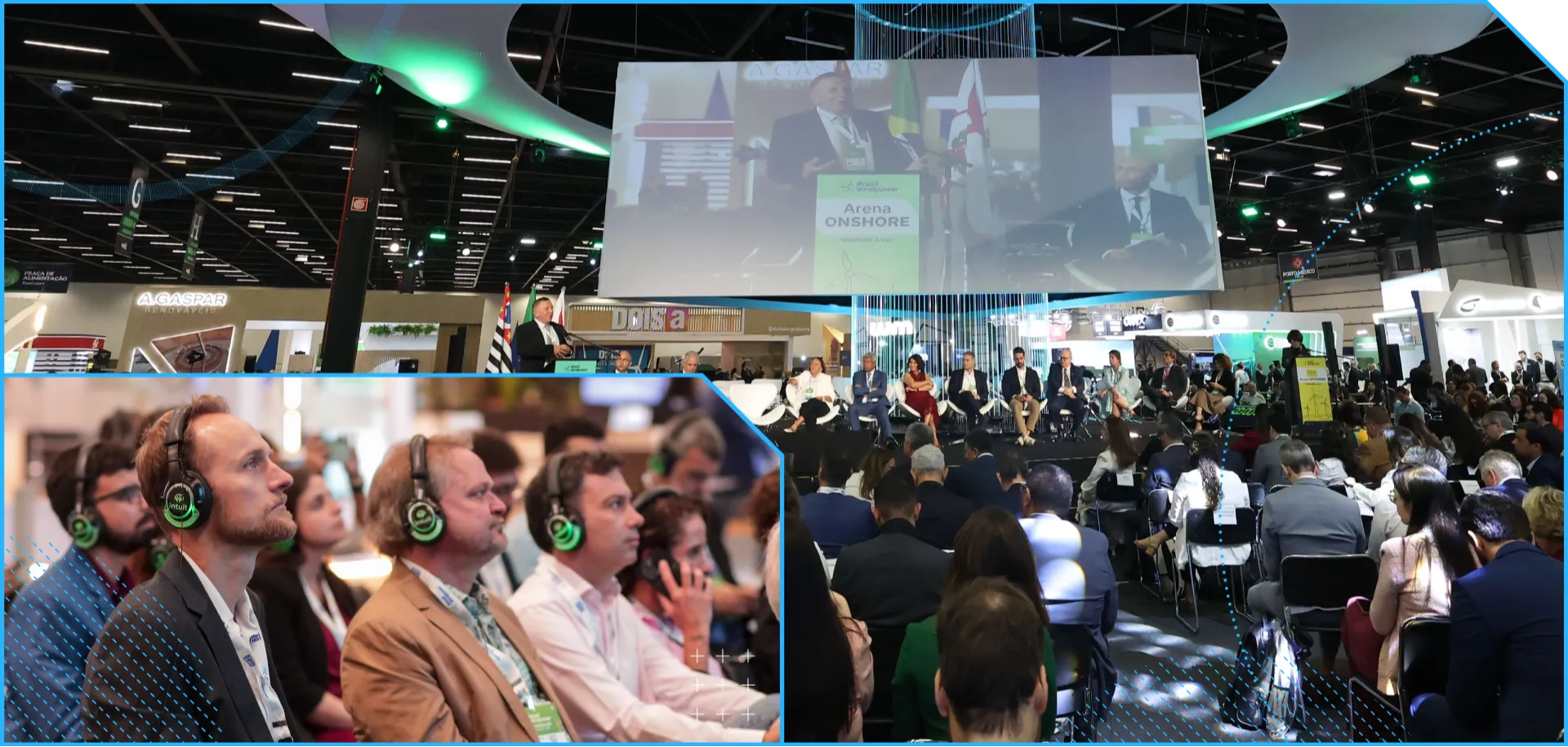
BWP 2026 brings together developers, investors, operators, and authorities to discuss solutions that will shape the next investment cycles in wind energy. Amid elections and offshore regulation, position your company where decisions are made.
FAQ
How do I register on the digital platform?
To register on the digital platform, access the event page, click on "Access the Event" and complete the registration.
NOTE: This registration does not guarantee your entry to the event*
I can't log in or I forgot my password. What do I do?
You can request a unique access code that will be sent to your email. In case of difficulties with login and password, contact the event organization.
After logging in, how do I access the desired event?
After logging in, you will be able to view the available events on the home screen. By selecting the desired event, you will see the community home screen, click on the event located in the footer and at the top on "Access the Event". Complete the registration and have access to all the features of the digital platform.
Does registration on the digital platform guarantee access to the event?
No. Registration on the digital platform does not guarantee access to the event. Access the official website, located in the footer of the platform and check the entry conditions or contact support through our channels.
What features do I have access to in my personal profile?
In your personal profile, you can manage your main interests, connection requests, live sessions and saved content, favorite companies and products all in one place. Ideal for optimizing and organizing your visit to the event.
What do I find in the Companies/Exhibitors menu?
In this tab, you can explore all the companies that will be present at the event, using the top and side filters to facilitate navigation and find what you want, in a more practical and efficient way. In addition, the platform allows you to save the companies you want to visit to your favorites list.
How do I save a company to my favorites list?
In the event menu, access the "Companies/Exhibitors" tab, click on the desired company > "Favorite".
You can view your favorite companies in your profile, on the home page or in the dropdown menu on the right side under "My Favorites".
What do I find in the Products/Services menu?
In this tab, you can explore the main products, services and launches made available by the fair exhibitors, using the top and side filters to facilitate navigation and find what you want, in a more practical and efficient way. Save the desired product to your favorites list or speak directly with the responsible company.
How do I save a product to my favorites list?
In the event menu, access the "Products and Services" tab, use the top and side filters to facilitate navigation, click on the desired item > "Favorite".
You can view your favorite products in your profile, on the home page or in the dropdown menu on the right side under "My Favorites".
I am interested in a specific product/service from an exhibitor. How do I get in contact?
Click on the desired product, below you will find the linked company. On the company page, you can contact them directly through the official channels in "Contact Details" or send a direct message in the message box next to the company profile. With this feature, all members of the organization will receive the message via app/email.
What do I find in the Networking menu?
This tab connects exhibitors and visitors in a single environment, allowing the exchange of contacts and conducting negotiations before, during and after the event. With the use of side filters, you can refine your search and connect with industry professionals aligned with your interests, facilitating strategic conversations and business opportunities throughout the year.
How do I send a connection request?
To send a connection request, access the person's profile and click on "Connect". You have the option to send a connection message. The member will be notified through the platform and by email.
Join the event!
See all the content and easy-to-use features by logging in or registering!